9 October 2026
Bespoke Wall Art: How to Create a Piece for Your Room
Plan wall art around your room, taste and budget. Learn what to include in a brief and how a custom art print differs from a handmade commission.
By Ben Gordon
By Ben Gordon · 25 September 2026 · Updated 4 October 2026 · 6 min read
Print a ChatGPT image as a poster or framed print with the Create Prints plugin. Sizes, prices and delivery times for Great Britain and the US.
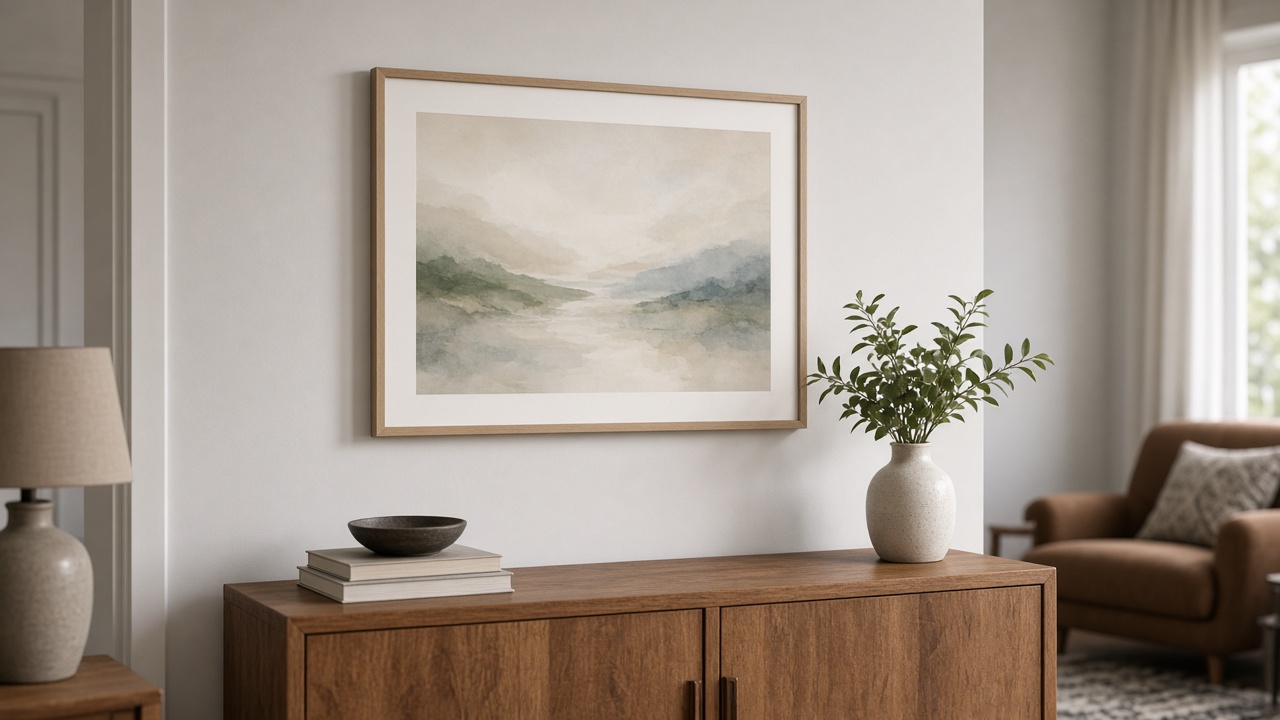
You can print a ChatGPT image as a poster or framed print with the Create Prints plugin in ChatGPT. Create Prints automatically upscales your image to the size you choose and delivers fine art prints and framed prints in Great Britain and the US, from £11.99 ($17.99) unframed or £33.99 ($48.99) framed, plus delivery.
If ChatGPT says it can't find the plugin, add it from this link, then type @Create Prints in your chat.
ChatGPT creates images with OpenAI's GPT Image models. OpenAI's image generation documentation lists three standard output sizes: 1024 × 1024 (square), 1536 × 1024 (landscape) and 1024 × 1536 (portrait), and the models can also produce custom sizes. The file you download from ChatGPT is usually close to these sizes, so check yours before ordering: look at the image dimensions in Get Info on a Mac or Properties on Windows.
How sharp a print looks depends on how many pixels cover each inch of paper: about 300 pixels per inch (dpi) for a print you'll see up close, and about 150 dpi for one viewed from a step or two away. For the three standard sizes, that works out as:
So most ChatGPT images need more pixels before they print well at poster size. When you order, Create Prints automatically upscales your image to the print size you choose, with sizes up to 90 × 60 cm. Upscaling can change very fine details, so look closely at faces, lettering and small patterns in the preview.
Each print is made to order in the country it's delivered to, so there are no import fees. See the shipping policy for details.
Before you order, look closely at faces, hands, repeated objects, lettering and fine detail. A small flaw that is easy to miss on screen can stand out on a wall.
Measure the space where the print will go, including any furniture beneath it. A frame and mount make the finished piece larger than the image itself. Cutting paper to the size you're considering and viewing it from your usual seat is a quick way to judge.
Match the shape of the print to the shape of the image. A square image suits a square print; a landscape image suits a landscape print. Otherwise part of the picture has to be cropped.
A mount adds a border inside the frame and suits quieter, gallery-style pieces. An unframed print suits a frame you already own.
For more on resolution, see How to Print AI Art. For sizing over furniture, see What Size Wall Art Should Go Above a Sofa?
Made a portrait of your pet in ChatGPT? You can print it the same way. Check the likeness before ordering: markings, eye colour and ear shape are what owners notice first. If anything is off, ask ChatGPT to fix it before you print.
Words, dates or a short message can work well on wall art, but AI images sometimes misspell or distort lettering. Check every word before ordering. For an event poster with dates, contact details or a QR code, a layout tool gives you more control over the text.
If you don't have an image yet, you can create artwork directly on Create Prints from a description, then choose your print.
Yes. Add the Create Prints plugin in ChatGPT, then ask it to print the image in your chat. You choose the size and frame, check the preview and pay, and the print is delivered in Great Britain or the US.
Without upscaling, a standard 1024 × 1024 pixel ChatGPT image prints sharply at only about 9 cm across, or about 17 cm when viewed from a step or two away. Create Prints automatically upscales your image when you order, so you can choose sizes up to 90 × 60 cm.
OpenAI lists three standard sizes for its image models: 1024 × 1024, 1536 × 1024 and 1024 × 1536 pixels. ChatGPT downloads are usually close to these. That's enough for a sharp small print; larger posters need upscaling, which Create Prints does automatically when you order.
Yes. Create Prints is a ChatGPT plugin that turns an image in your chat into a fine art print or framed print. Search Plugins in ChatGPT for "Create Prints", or add it here.
Unframed fine art prints start at £11.99 ($17.99) and framed prints at £33.99 ($48.99), plus delivery. The price depends on the size, frame and mount.
Usually 3–7 business days in Great Britain and 5–13 business days in the US. Create Prints delivers to England, Wales, Scotland and the US, but not currently to Northern Ireland.
No. Create Prints automatically upscales your image to the size you order. Use the original download rather than a screenshot, and check fine details in the preview.
Yes. Add the image to your ChatGPT chat, then print it with the Create Prints plugin in the same way.
Yes. Check every word and number in the preview first, because AI images sometimes misspell lettering.
Print your ChatGPT image, or browse the shop if you're still looking for something for your wall.
Using Claude or another AI assistant? See the connection guide.
Every print is analysed for colour and room fit — or describe your space and we'll make something for it.
9 October 2026
Plan wall art around your room, taste and budget. Learn what to include in a brief and how a custom art print differs from a handmade commission.
By Ben Gordon
4 October 2026
Bring artwork together through colour, subject, frames or spacing. Practical ideas for choosing a pair, adding to an existing print and planning a gallery wall.
By Ben Gordon
21 September 2026
Choose bedroom artwork you enjoy unwinding with. Explore colour, subject, scale, reflections and practical placement above a bed or on another wall.
By Ben Gordon