9 October 2026
Bespoke Wall Art: How to Create a Piece for Your Room
Plan wall art around your room, taste and budget. Learn what to include in a brief and how a custom art print differs from a handmade commission.
By Ben Gordon
By Ben Gordon · 22 August 2026 · Updated 25 September 2026 · 5 min read
Yes—you can print AI-generated images. Learn how to check image quality and permissions, and order through the Create Prints plugin or MCP connection.
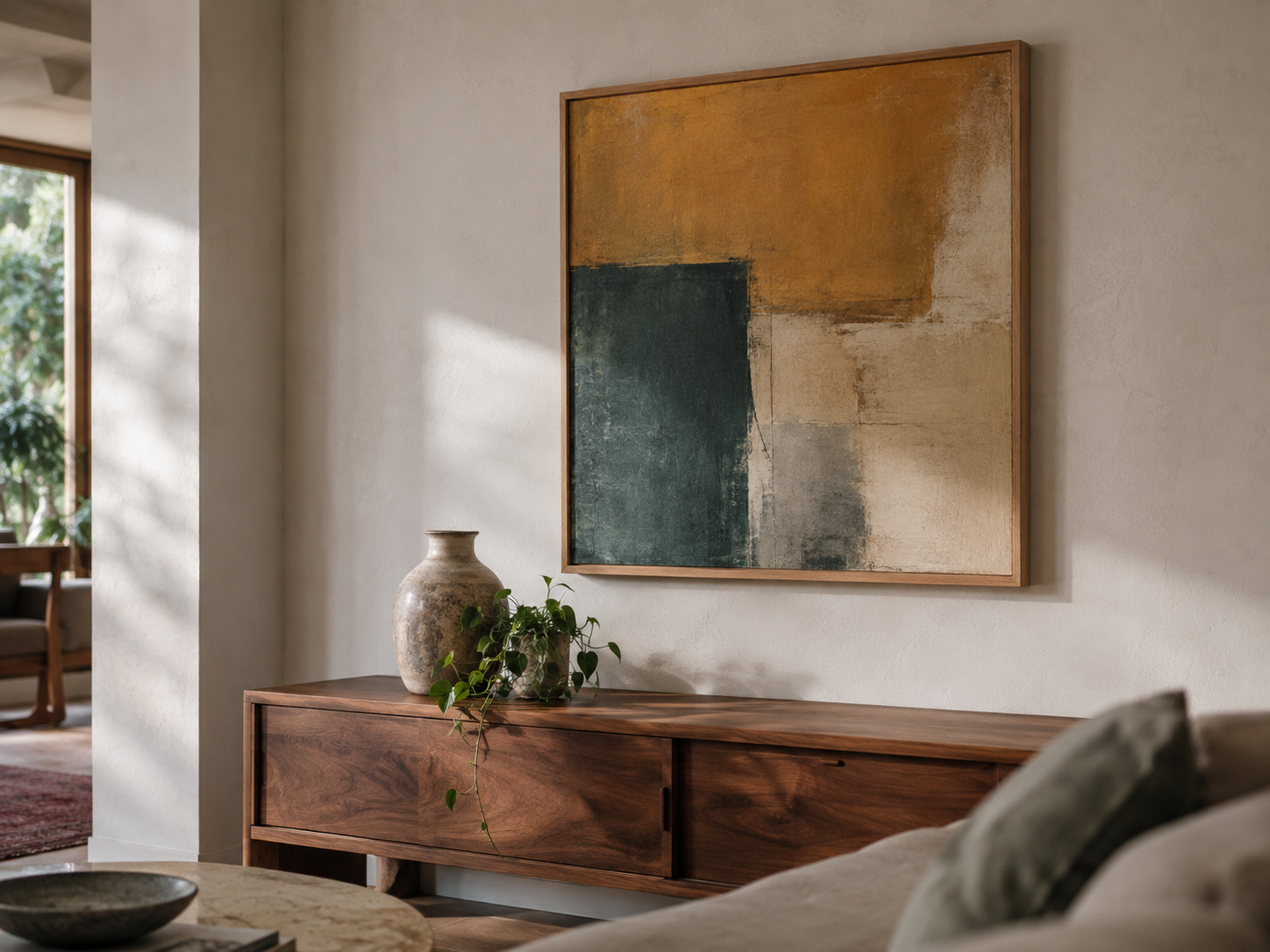
Yes. AI-generated images can be printed as wall art, just like other digital images. You can print an image made in ChatGPT using the Create Prints plugin, or prepare the file for a print service of your choice.
Before ordering, check two things: whether you can use the image for your intended purpose, and whether the file is suitable for the print size. An image does not automatically need upscaling because AI made it.
Start with the terms of the tool you used. These explain what uses it permits and whether any account or commercial-use conditions apply. Also consider any images or other material you supplied to make the picture.
For example, Midjourney's terms describe users' rights in their creations as subject to applicable law, third-party rights and conditions in the agreement. Generating a picture is therefore not a blanket guarantee that every possible use is allowed.
For an ordinary personal print, the practical step is to check those terms and use an image you have the necessary rights to reproduce. Selling copies, using a recognisable brand or reproducing someone else's artwork can raise additional questions.
A public gallery or social post is not, by itself, permission to print an image. Look for a licence that covers your use, or ask the creator or rights holder. If you cannot establish permission, choose another image or create your own.
Permission to use an image and copyright protection are separate questions. The U.S. Copyright Office says AI-assisted work may qualify for protection where a human determines sufficient expressive elements; prompts alone do not provide that authorship. That does not make every image labelled “AI” free to use.
Rules vary by country and by how a work was made. For a commercial project or a disputed image, get advice specific to that use rather than relying on a general printing guide.
The important factors are the original file, the size of the print and the image itself. A sharp screen preview is encouraging, but it does not tell you everything about a larger print.
Check the pixel dimensions. A file with more pixels can support a larger print at the same resolution. Use the original download rather than a screenshot or a compressed copy from a message.
Review the artwork closely. Look for awkward faces, misspelt text, broken lines and unwanted details. Upscaling will not reliably correct those problems.
Check the crop. A square image needs cropping or borders to fit a rectangular print. Make sure the chosen layout preserves the parts you care about.
Allow for a different viewing experience. Screens emit light; prints reflect the light in your room. Colour and brightness can look different on paper, especially when comparing a print with a bright display.
Ask your printer to assess the file if you are unsure. Some services offer file checks or proof prints, so check what is included before ordering.
Only if the file needs more pixels for your intended print size. A smaller print may work well from the original download; a larger version of the same picture may need preparation.
Upscaling adds pixels. It can improve an enlargement's appearance, but it can also change details, so compare the result with the original. Changing a resolution label without adding pixels does not add image detail.
Our practical guide to printing AI art explains resolution, sizing and file preparation step by step.
If you already have an image made in ChatGPT or Midjourney, use the Create Prints plugin or connect through MCP to get started with printing it. Review the artwork and available print options before placing the order.
If you want to create a new piece, describe your idea or upload an image for visual guidance. Choose the artwork, then select the available size, print format, frame and optional mount. Create Prints prepares the selected artwork for the product you order.
You can also browse existing prints. Orders are printed to order, with delivery available to Great Britain and the United States.
Measure the wall and any furniture beneath it. Check the full framed dimensions, including a mount if you choose one. A small print can suit a shelf or a group of pictures; a wider wall may suit a larger piece or a pair.
A paper outline on the wall is a useful way to compare sizes before buying. Judge it from where you normally see the artwork, rather than choosing from a thumbnail alone.
Yes. Use the Create Prints plugin, or a print service that accepts your file. Check the relevant usage terms and review the print options before ordering.
The file may have too few pixels for the print size, or the original image may already contain soft details. Compression and enlargement can also affect the result. Check the original file and ask the printer what size it can support.
No. It depends on the file and the intended size. Enlarging a file unnecessarily does not guarantee a better print.
A framed print saves you arranging a frame separately. An unframed print gives you flexibility if you already own a suitable frame or want a particular finish. Check dimensions, included options and delivery information before ordering.
Have a picture ready? Connect Create Prints to start printing through your AI assistant. If you are still exploring ideas, create a new artwork or browse the collections.
Every print is analysed for colour and room fit — or describe your space and we'll make something for it.
9 October 2026
Plan wall art around your room, taste and budget. Learn what to include in a brief and how a custom art print differs from a handmade commission.
By Ben Gordon
4 October 2026
Bring artwork together through colour, subject, frames or spacing. Practical ideas for choosing a pair, adding to an existing print and planning a gallery wall.
By Ben Gordon
25 September 2026
Print a ChatGPT image as a poster or framed print with the Create Prints plugin. Sizes, prices and delivery times for Great Britain and the US.
By Ben Gordon